Gilisoft Image Editor v8.6.0 (Win)
本站所有资源来源于网络,均不支持商用,仅供个人学习与研究。
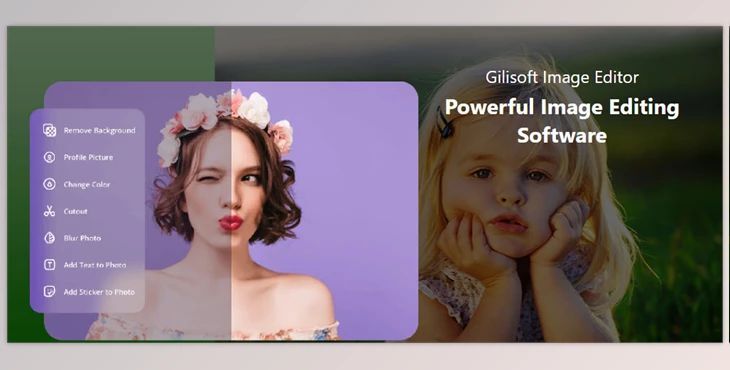
Gilisoft Image Editor:
Gilisoft Image Editor is an editing program that can help you improve and edit your photographs. This software has many functions that can be used for simple or complex editing tasks. For example, users can easily perform cropping, resizing, or rotating for image refinement. In addition, this software gives the user sharp outline color adjustments of brightness, contrast, and saturation, which improve photo quality.
Some great features of Gilisoft Image Editor:
- Advanced Cropping Tool: Focus on primary components by customizing crop dimensions.
- Precision Resizing: Change image size for specific purposes without degradation in quality
- Rotation and Flipping: For creative uses, take advantage of full control over image orientation
- Color Correction: Gild images by fine-tuning hue, saturation, and brightness.
- Saturation Control: Alter mood with blend intensity changes focusing on range frames.
- Object Removal: From photographs, erase seamlessly unwanted elements.
- Portrait Retouching: Refine skin and features in portraits with powerful editing tools.
- Collage Creation: Design imaginative collages by merging several images, complete with adjustable arrangements.
- Batch Processing: Editing more than one image at the same time to maximize efficiency saves time.
- Text Addition: Create styled text for artistic captions using a variety of colors and fonts, including custom elements to preset ones.
- Layer and Blending Modes: Bring spark and depth into composition pieces through complex layering.
- Histogram Display: This makes it easy to analyze tonal distribution, which aids in better editing decisions so you can make informed choices based on each edit needed.
- Zoom and Pan: Focus on particular areas of an image to work deeply on details without distractions.
- Undo and Redo: Work on perfecting any task with total freedom alongside unlimited edits done anytime using the flexible options provided.
- Multiple Format Saving: Images can be saved as JPEG, PNG, or TIFF, among other formats, hence exported without restrictions.
- User-Friendly Interface: Every menu is clear, and adding tooltips makes navigation simple.
资源列表

