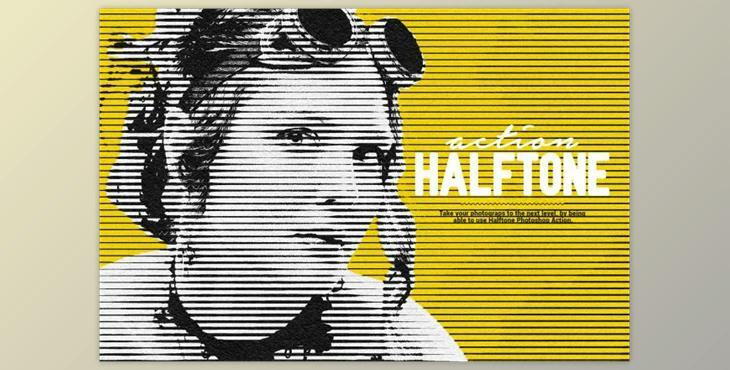
Halftone Photoshop Action By ScaryClown (ATN): In just a few clicks, you can apply halftone effects to your photos and visuals using this professional Photoshop action. This action makes it easy to create large-scale graphics with a high impact from any image. You can adjust the size, brightness, contrast, saturation, and color to achieve the desired effect.
- It's easy to transform photos
- It is simple to use
- Layers that are well-organized
- Layers that can be edited in full
- It is easy to customize
- Non-destructive actions
- Instructions well documented
- This action was tested on Photoshop CS3, CC and higher versions (tested in English).
- It is recommended to use high-resolution photos sizes between 2500 and 5000px (min. resolution: 72dpi).
How to Install the Action
- In Photoshop, click on the 'Window’ menu and choose 'Actions. You will see a window on the right-hand side.
- To open the Actions window click the icon in the upper right-hand corner to reveal the drop-down menu. Select 'Load actions...' from this menu. Choose the action that came with your download.
- Now, the action panel will display it.
How to use the Action
- To work with a photo, open it
- Set the background as the photo layer and lock the photo layer. Make sure you are using RGB color mode for your photo. Go to the Image> menu and select 'Mode'. Make sure 'RGB is selected. 3.Play and enjoy