
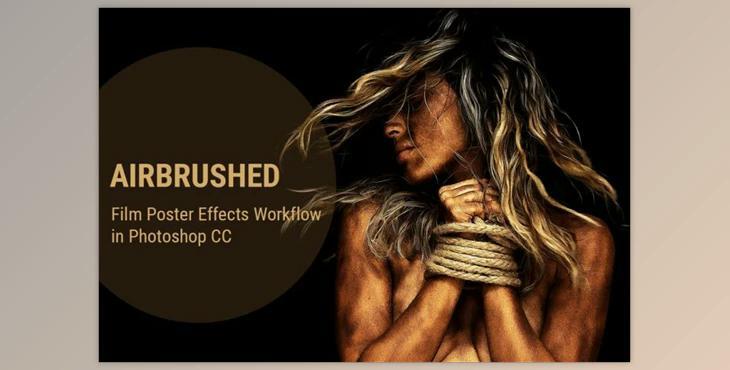
Photoshop effects for Portrait (ATN): Many experienced Photo Editors use these Photoshop Effects to create Movie Posters. The pack includes Photoshop Effects featuring a poster effect to your photos. It is simple to create and can take just a few minutes to apply. However, you should be aware that certain images might not yield the same effects as other images. Different images that have different light levels can have different results. Bright images might not benefit from the effect, and they may appear indistinguishable with this plugin. Similar to pictures that are dark. This action will duplicate the original layer, leaving your image unaltered. Additionally, the outcome is completely customizable. Thank you for taking the time to read this and I hope you are enjoying the process.
How to use effects to create posters in images in Photoshop?
You can edit your images using "Photoshop Effects for Portrait".
Where can I download the product?
After subscription, You can download it for free from here.
Compatibility with Adobe Photoshop, Adobe Photoshop Elements
What is Photoshop effects for Portrait?
Photoshop offers a wide range of effects that you can apply to enhance and stylize portrait photos.
Remember to always work on a duplicate layer or keep the original image untouched to preserve your original work. Play with these effects, adjusting the intensity and combining them to achieve the desired result. Additionally, consider using adjustment layers and masks for non-destructive editing.
