
WHAT'S INSIDE?
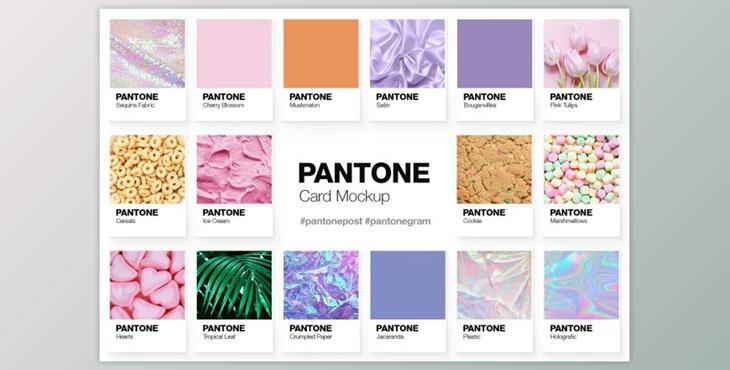
Three different PSD mockups With Pantone color swatches The arrangement is on a large, squared background
Each PSD contains a tutorial on how to use the mockup. After reading the tutorial, it is placed on top of all layers. It can be deleted or disabled.
HOW TO USE
You can edit both the background and color swatch by fill layer (solid, gradient, or pattern), or by a smart object with any photos of your choice.
For a more realistic look, you can modify any part of the mockups such as text, shadows, or add props to the canvas.
You can move cards, reposition them on canvas, or copy them into other files to create different scenes or compositions.
This creative solution gives your inspiration a tangible feel. Boards And Motif boards.
It can be used in product mockups, stock images, social media design, and as a marketing tool to create viral Pantone posts or pantonegrams. This kind of brightly colored post is a hit with people!8
