
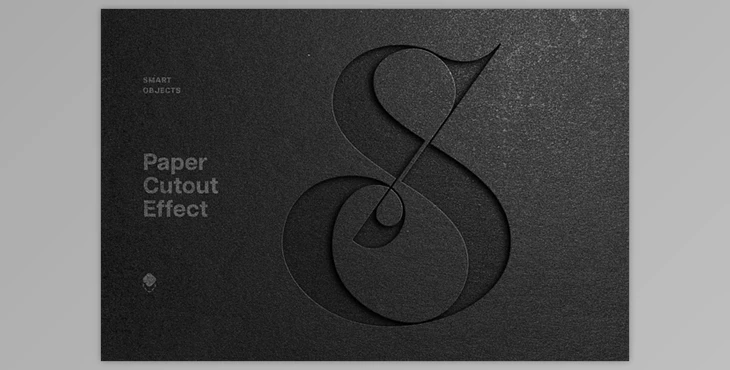
Dark Cutout Paper Mockup, Creating a professional mockup for your finished project is crucial for showcasing your ideas effectively.
How to design your project using the Smart Object layer in Photoshop?
You can use "Dark Cutout Paper Mockup" to design your project.
This mockup file emphasizes versatility, realism, and high-quality textures. To use it, simply open the Smart Object layer, remove the default placeholder, add your graphics, and save the changes. This process results in a compelling presentation. The package includes a high-quality PSD file (4500x3000 px, 300 dpi) and a help file.
Package information
Created on May 30, 2024, this layered file offers a high-quality mockup, perfect for showcasing your projects with versatility and realism.
"Dark Cutout Paper Mockup" Samples:
