
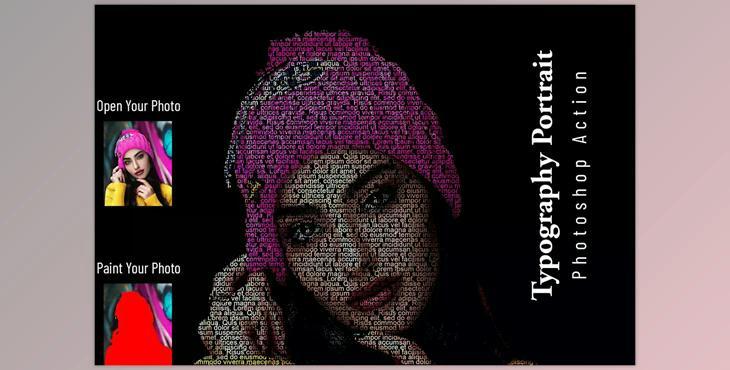
Typography Portrait Photoshop Action CM - 6790314: Typography Photoshop Action Typography Photoshop Action is a Portrait Photoshop Action that is perfect for graphic designers and photographers. It enhances and adds attractive images. It aids you in improving your images to create striking and unique designs. This package comes with 10 different colors for your eyes that aren't open.
The action was tested and works in conjunction with Photoshop Version CC2020 English Version. Software supported version: CS5,CS5.5,CS6,CC,CC2014,CC2015,CC2015.5,CC2016 ,CC2017,CC2018,CC2019,CC2020+ English Version.
Most important instruction:
(1) First step opening an image in Photoshop. Be sure to increase the area around the image for the best result. Select your background image, apply the cropping tool on the toolbar, and then expand it to its entire sides. Now, you must resize your image. To change the size of your image select the crop tool. The menu is on the left. There are three empty boxes. Write W 2000px, H 2000pxand Resolution 72. Enter.
(2) Open your photo and create a new layer and name it "paint"( in lowercase). Select a paintbrush to draw your image. Be sure to close the "paint" layer eye and keep the selection "paint" layer Then click play action.
