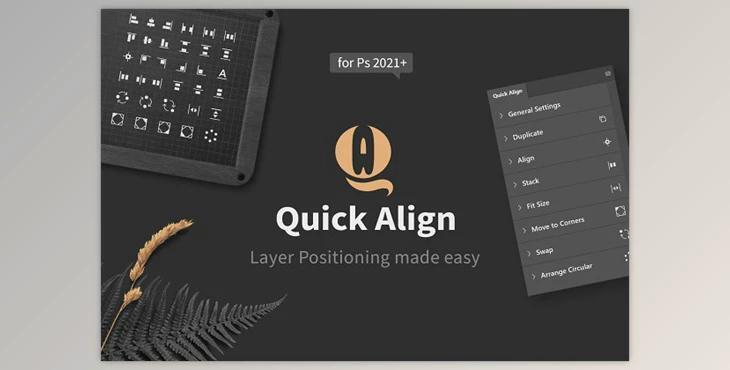
Quick Align – Easy Layer Positioning CM - 6995159: Quick Align provides several tools to speed up your workflow when arranging layers. Photoshop's align and distribute functions aren't as efficient, and this plugin provides many more options for the most common scenarios.
You can also stack layers into columns or rows and swap the positions of layers. Duplicate elements to your canvas' corners, or adjust them to fit an area you want to cover with a single click.
Finally, Quick Align also lets you organize layers in the form of a circle and offers a variety of options that immediately alter the results when you change them.
You can choose one quick-access tool for each section of the panel to make use of it without having to expand the panel every time.
- General Settings: Set padding & gap
- Duplicate: Create duplicates with just one click
- Align: Align & distribute layers
- Stack: Arrange layers in columns and rows
- The Size You Need: Shrink or expand layers to fit the space
- To move to corners, duplicate and rotate layers to fit in the corners of each
- Swap: Switch positions on layers
- Arrange Circular: Rotate layers until you create circles
- Customizable Interface (hide sections & settings, select quick-access function)
- Unit Value Inputs (px, cm, inch, %, etc.)
- Live Updates for the majority of functions (changing settings and updates happen immediately)
- Theme awareness (matches all four color schemes in Photoshop)
- Process Layers, either in order in the panel or by their position on the canvas
- Set the exact center point to create a circular arrangement