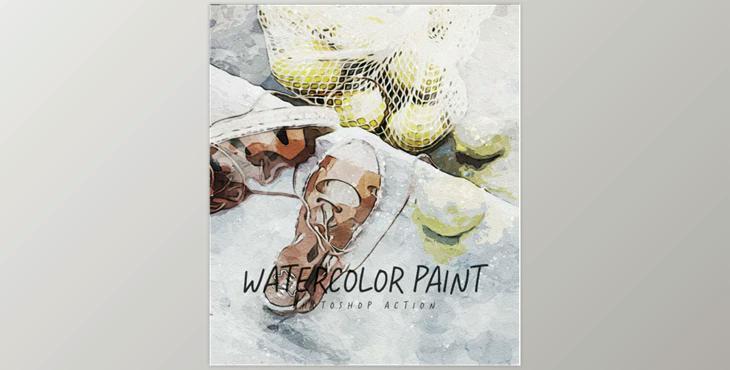
Watercolor Paint – Photoshop Action GraphicRiver-33287400 (ABR, PAT, ATN)
- Only use ENGLISH Photoshop for the language.
- Utilize the RGB Mode and 8 Bits color (Go to Image/Mode, then verify for the RGB color and 8 bits/channel).
- Set the brush's Opacity and flow slider to 100 100% (Select the Brush Tool, then move both the Flow and Opacity sliders to 100%).
- Be sure to be set as Background from the Layer (Go into Layer/New/Background layer).
Item contains
- Action ATN file
- Brush ABR file
- Pattern PAT file
- Help File
- Tested and worked with the CS6 and the CC+ Photoshop version.
- The preview image is not included.

