
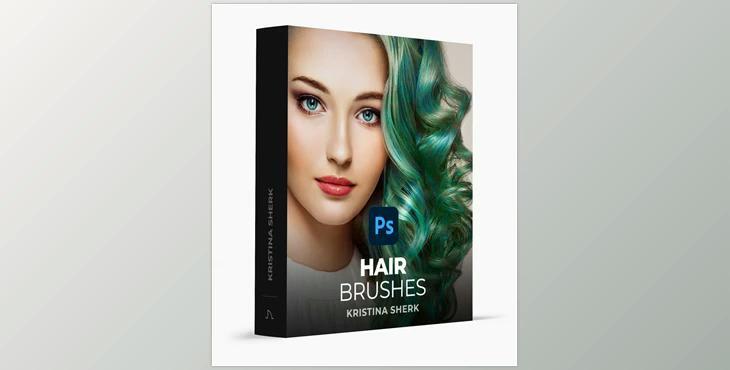
Kristina Sherk – Hair Brushes: Unlock the potential of 18 custom Photoshop brushes designed to enhance the beauty of your clients' hair. Crafted to replicate human hair's natural shape and ideal fullness, this collection includes 14 brushes for seamlessly adding new groupings of hair and four additional brushes specifically tailored for intricate strand creation.
How to use a brush to reduce or increase the volume of hair in images and edit?
You can use "Kristina Sherk – Hair Brushes" to edit.
Where can I download the product?
After subscription, You can download it for free from here.
Achieve instant volume and bring life to hair effortlessly with these specialized Photoshop brushes, ensuring your clients have stunning and full hair in no time.
How to Install Brushes in Photoshop
1. Prepare your brushes file
2. Prepare Photoshop for import
3. Import your new brushes
4. Using your new brushes
5. Start creating
6. Brush
What is Hair brushes?
Hair brushes are essential tools in digital art and graphic design, allowing artists to create realistic and detailed hair textures in their illustrations. These brushes come in various shapes and styles, catering to different hair types, lengths, and textures. Whether you're working on character designs, portraits, or digital paintings, the right set of hair brushes can significantly enhance the quality and detail of your artwork.
