Basic settings for Photoshop
- Only use ENGLISH photoshop
- Use the RGB Mode and 8 Bits color (Go to Image/Mode to check the RGB color, 8 Bits/Channel).
- Use the Opacity brush to set the flow to 100% (Select the Brush tool and adjust the Opacity slider to 100%).
- Make sure you have the background photo from the layer selected (Go to Layer/New/Background).
Item contains
- Action ATN File
- Brush the ABR file
- Instructions in pdf
Combination Actions
- The first action is the most important
- Save as an image
- Save image to photoshop
- Second action
Note
- Tested in CS4 and CS5. CS6. CC+.
- Make sure you have your photoshop set up to RGB color, 8Bits/Channel, English version.
- Separate layers
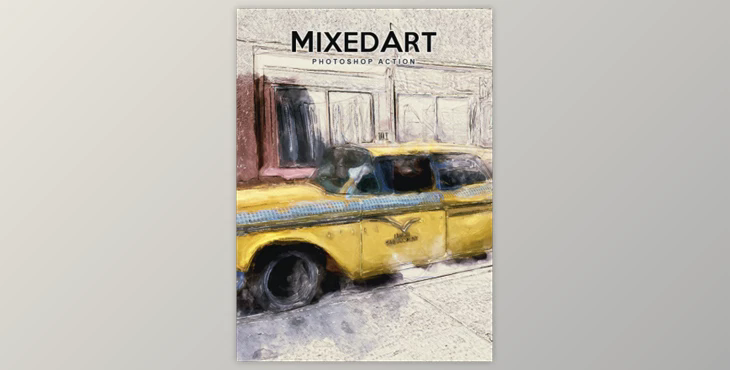
- Preview image not included.