
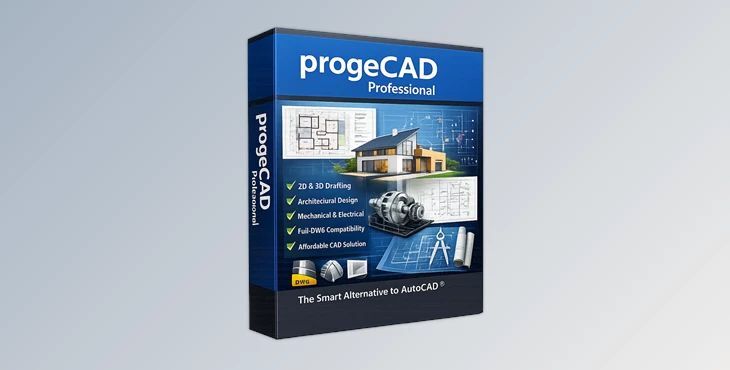
If you work with CAD drawings every day, you already know how important compatibility, speed, and stability are. Whether you are an architect, engineer, industrial designer, or CAD drafter, having software that feels familiar while offering powerful tools can dramatically improve your workflow. That’s exactly where progeCAD becomes an interesting choice.
This product is a professional 2D/3D CAD application built for users who need full compatibility with AutoCAD® DWG files without paying the high subscription costs often associated with major CAD platforms. The software combines a classic CAD environment with advanced BIM support, rendering tools, GIS features, architectural plugins, and extensive import/export capabilities.
What makes it especially attractive is that it uses perpetual licensing, meaning you buy it once and keep using it without mandatory subscriptions.
progeCAD is a DWG-native CAD software designed for technical drafting, architectural planning, mechanical design, construction documentation, and general CAD workflows.
The software works directly with AutoCAD® DWG files from older versions up to DWG 2026. This means users can open, edit, and save files without converting formats or worrying about compatibility issues.
For experienced AutoCAD® users, the transition is extremely smooth because the interface, commands, ribbons, shortcuts, and workflows feel very familiar.
One of the strongest advantages of progeCAD is its direct DWG support. You can collaborate with AutoCAD® users seamlessly and exchange files without losing data or formatting. This becomes extremely useful in professional environments where multiple teams, consultants, and clients work on the same projects.
Modern AEC workflows often involve BIM models and Revit projects. progeCAD supports importing Autodesk Revit® and IFC files directly into DWG projects. This allows architects and engineers to inspect, reference, and integrate BIM information without needing separate BIM software. Real-world example:
progeCAD is not limited to simple drafting. It supports:
This makes it suitable for both technical drafting and advanced modeling workflows.
Dynamic Blocks allow users to create intelligent, reusable objects with adjustable parameters. Instead of drawing repetitive elements manually, designers can modify existing blocks using grips and controls. Examples include:
This saves huge amounts of time in production drawings.
One of the most practical tools included with this product is the built-in PDF to DWG converter. This feature lets users convert scanned or exported PDF drawings into editable CAD geometry. It’s extremely useful when:
The integrated AEC plugin helps architects quickly generate building layouts and architectural components. Users can create:
The parametric workflow helps speed up repetitive architectural tasks while maintaining accuracy.
progeCAD includes mapping and geolocation tools useful for surveying and civil engineering projects. Capabilities include:
These tools are especially useful for infrastructure and land development projects.
The software supports a surprisingly large number of formats, including:
This flexibility makes progeCAD easy to integrate into mixed production pipelines.
progeCAD includes the Artisan Render Engine for creating photorealistic visualizations directly inside the software. Users can produce:
without relying entirely on external rendering tools.
The integrated iCADLib library includes over 22,000 pre-made 2D and 3D blocks. This is extremely useful for speeding up workflows because users can instantly insert common elements instead of building them from scratch.
The familiar AutoCAD-like interface reduces the learning curve dramatically. Existing CAD users can start working almost immediately.
Because progeCAD uses perpetual licensing, businesses avoid ongoing subscription costs while still gaining access to professional CAD functionality. This can significantly reduce software expenses for small studios, freelancers, and engineering companies.
Thanks to DWG compatibility and broad format support, progeCAD works smoothly inside mixed production environments. Users can collaborate with:
Use customizable tool palettes and the block manager to create reusable libraries for your most common assets. This can dramatically speed up drafting sessions.
Dynamic UCS helps align temporary drawing planes automatically while modeling in 3D space. This improves accuracy and speeds up complex modeling operations.
External references help manage large architectural or engineering projects without overloading a single file. This is especially useful for multi-floor buildings and collaborative workflows.
Instead of redrawing old plans manually, use the PDF to DWG conversion tools to recover editable geometry from archived drawings.
Importing ReCap® point cloud data can help create accurate renovation or reconstruction models from scanned environments.
progeCAD works well for:
progeCAD offers a complete CAD experience for professionals who need DWG compatibility, BIM features, and flexibility - all at a low cost.
It offers the usability of a CAD program with additional modern features like Revit import and PDF conversion, point cloud, dynamic blocks, rendering, GIS, and architectural tools.
progeCAD allows professionals to create a variety of drawings and models depending on their project needs.
Professionals who work with the DWG file format will find it worthwhile to explore progeCAD software.
