
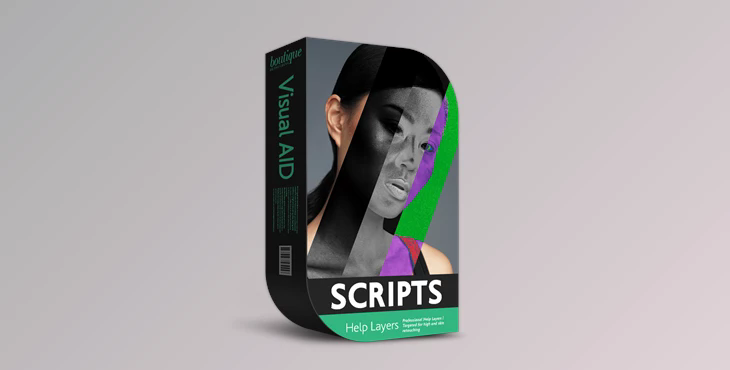
High End Retouching Help Layers + Tutorial: Visual Aid PRO action and script Visual Aid PRO action and script allow you to break down every image into HUE value, SATURATION, and LUMINANCE.
Separating your images into distinct components of light and color offers many benefits. It lets you focus on issues step-by-step and then work on them separately, creating crisp and professional images without over-retching your photos.
The package contains our pro-visual aid action, script, and instructional video demonstrating how to make the most of the pro-level visual aid layers.
The product is in the Photoshop category, for more information about this post you can click on the home page link in the sidebar.
To search for similar products to Boutique Visual Aid PRO – High End Retouching Help Layers + Tutorial,
The help layers are an invaluable tool to improve your workflow for Retouching, helping, and saving time. And ultimately, they can assist you in earning more. Selecting the best visual aid layers is essential!
With our years of experience, we've developed the most effective methods to divide your photo into luminance, hue, and saturation values. The methods we use are chosen to provide the most exact depiction of the image you are working on, which is essential for high-end Retouching.
What is Boutique Visual Aid PRO – High End Retouching Help Layers + Tutorial?
The "Visual Aid PRO action and script" enables users to separate images into distinct components related to color and light. This separation allows for a more granular and precise approach to image enhancement and retouching.
The toolset is designed to prevent over-retouching, which can sometimes result in unnatural or unrealistic-looking images. Users can fine-tune and control the editing process by working on each component separately.
"Visual Aid PRO action and script" is a valuable resource for photographers and retouchers who aim to achieve high-quality and professional image retouching results while maintaining control over color and light components. Users can follow the provided instructions and tutorials to master the use of these tools and enhance their image editing skills.
