
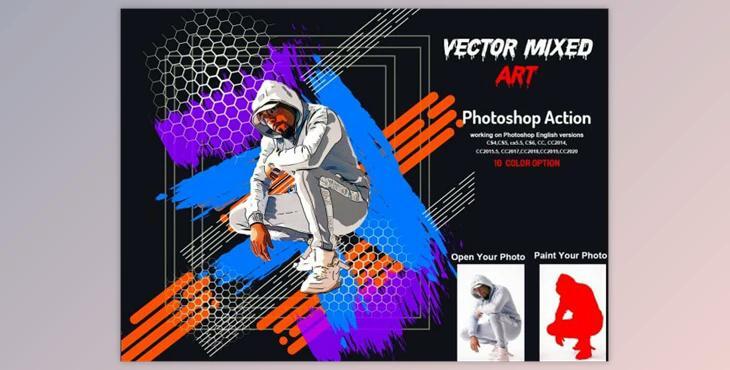
This action transforms your photos into vector mixed art. This professional pack will transform ordinary photos into amazing images. It is easy to modify and create a non-destructive effect. This action will give you 10 color options if you open an unviewed eye. It is easy to change the color.
This action is tested on Photoshop English Version.
Software supported version: CS5.5 , CS6, CC2014, CC2015, CC2015.5, CC2016, CC2017, CC2018, CC2019, CC2020+ English Version.
Most important instruction:
(1) To get a good result, you must first extract the canvas area. Select your background image, then use crop tools to extend Two or All Sides. Finally, resize your images 2000x2000 dpi 72
(2) Open your image and create a new layer. Next, choose a brush to paint your image. Next, close the "paint layer eye" and continue selecting "paint". Click on the action play button.
File includes:
Image Size: 2000x2000 pixels dpi 72
